

PDF Editor
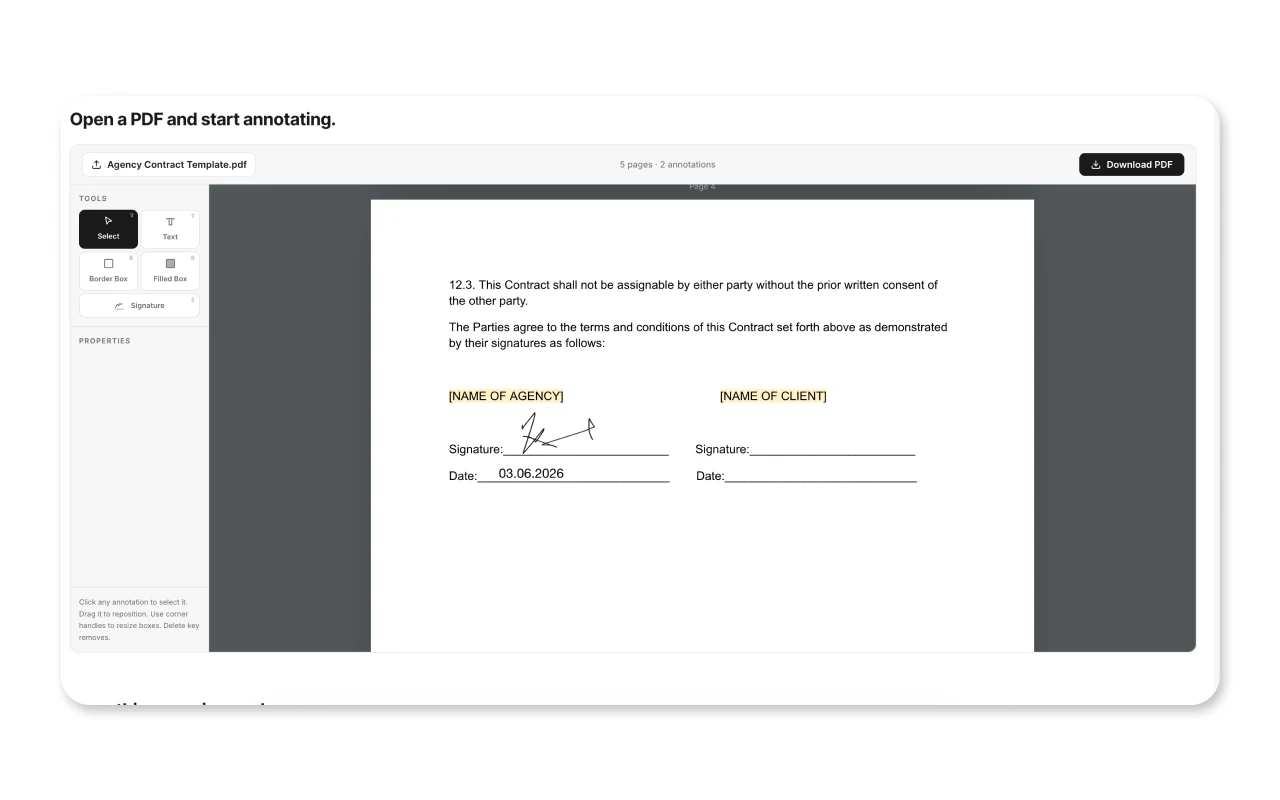
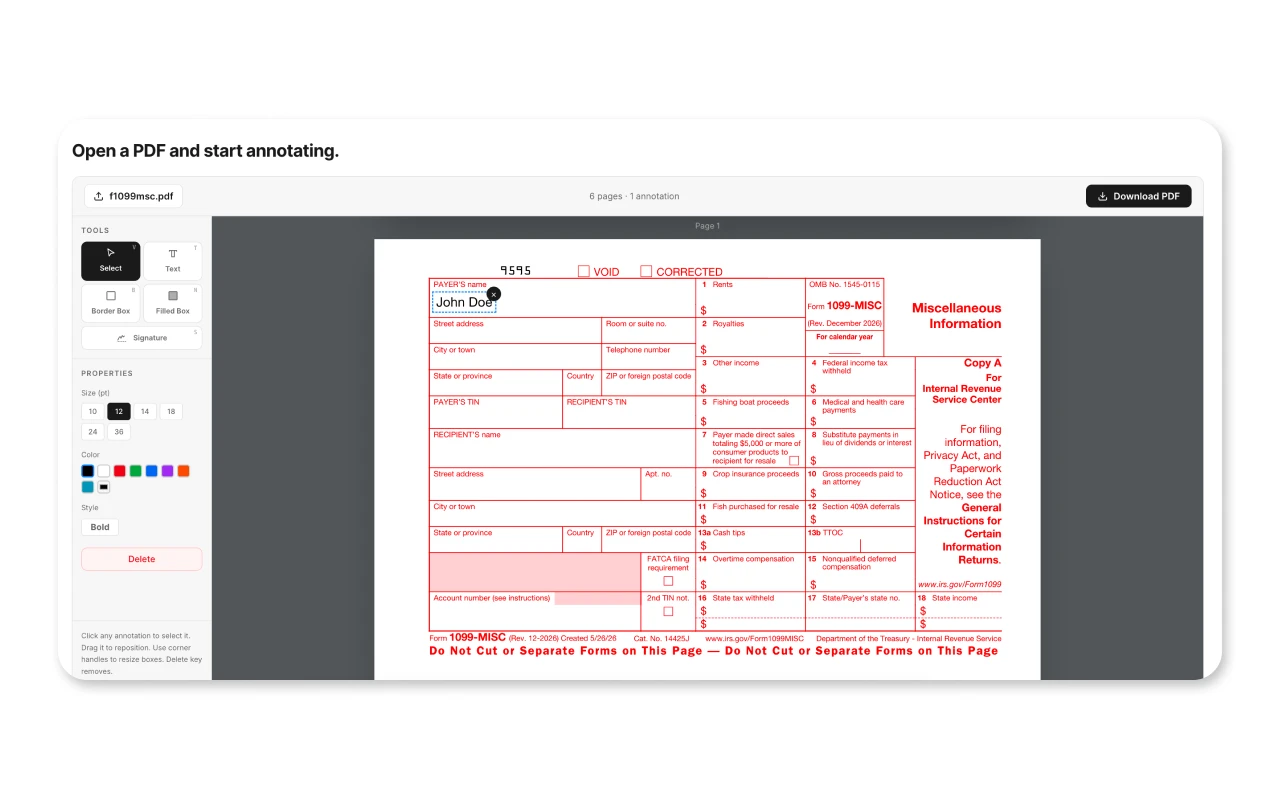
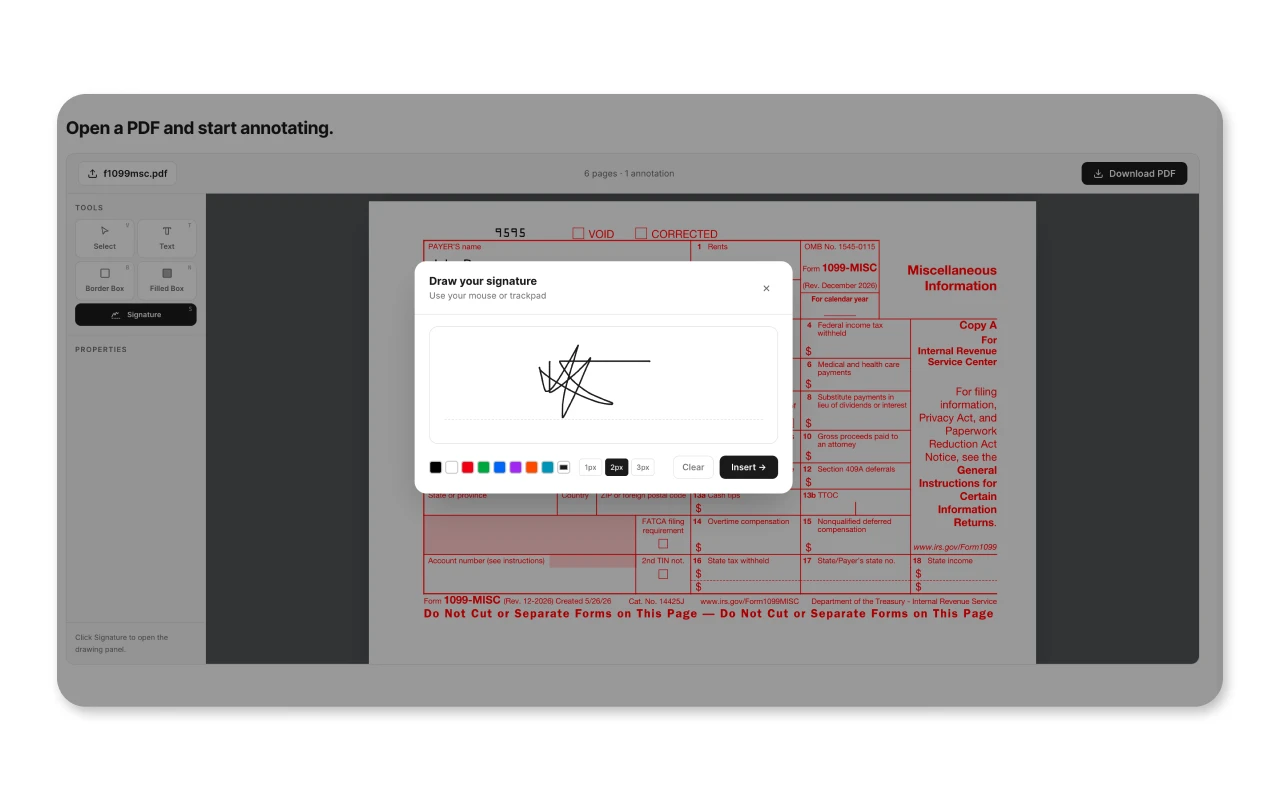
Free Web ToolOpen any PDF and add text labels, signatures, rectangles, bordered or filled, directly in your browser. Drag to reposition, resize, change colour, then download the edited PDF. Nothing is uploaded to any server. Forever free.
Open a PDF and start annotating.
Click any annotation to select it. Drag it to reposition. Use corner handles to resize boxes. Delete key removes.
Everything runs in your browser.
Your PDF is never sent to any server. The tool uses PDF.js to render pages in the canvas and pdf-lib to embed your annotations into the file before downloading. The original PDF structure and existing content are preserved.
Click “Open PDF” or drag a file onto the editor. Multi-page documents load with one page per canvas.
Use the Text tool to click-to-place labels, or the Box tools to drag out a bordered or filled rectangle. Drag to move, drag handles to resize.
Hit "Download PDF" and get a new file with your annotations baked in. The original is unchanged.
When this tool is useful.
Quick annotations without opening Acrobat or sending files to a third-party service.
Drop a filled black rectangle over sensitive information before sharing a document.
Place text annotations on exported charts, floor plans, or screenshots saved as PDF.
Draw border rectangles to call out sections and add text notes alongside them.
Add text on top of scanned forms that can't be filled digitally.